Docs · Task workspace
Task workspace
Conversations, the live work log, file changes, the context meter, and what each CLI actually reports about your plan usage.
The interface at a glance
A floating dock holds the five sections — Tasks, Workspaces, Review, Agents, and Settings — plus New task and Search (⌘K). One header row above every screen carries the project switcher, the screen's actions, and a privacy chip that says whether anything leaves your machine. Tasks opens on a composer: describe a task and a one-line route preview shows which agent and model it would take before you send anything, with your last few tasks listed underneath.
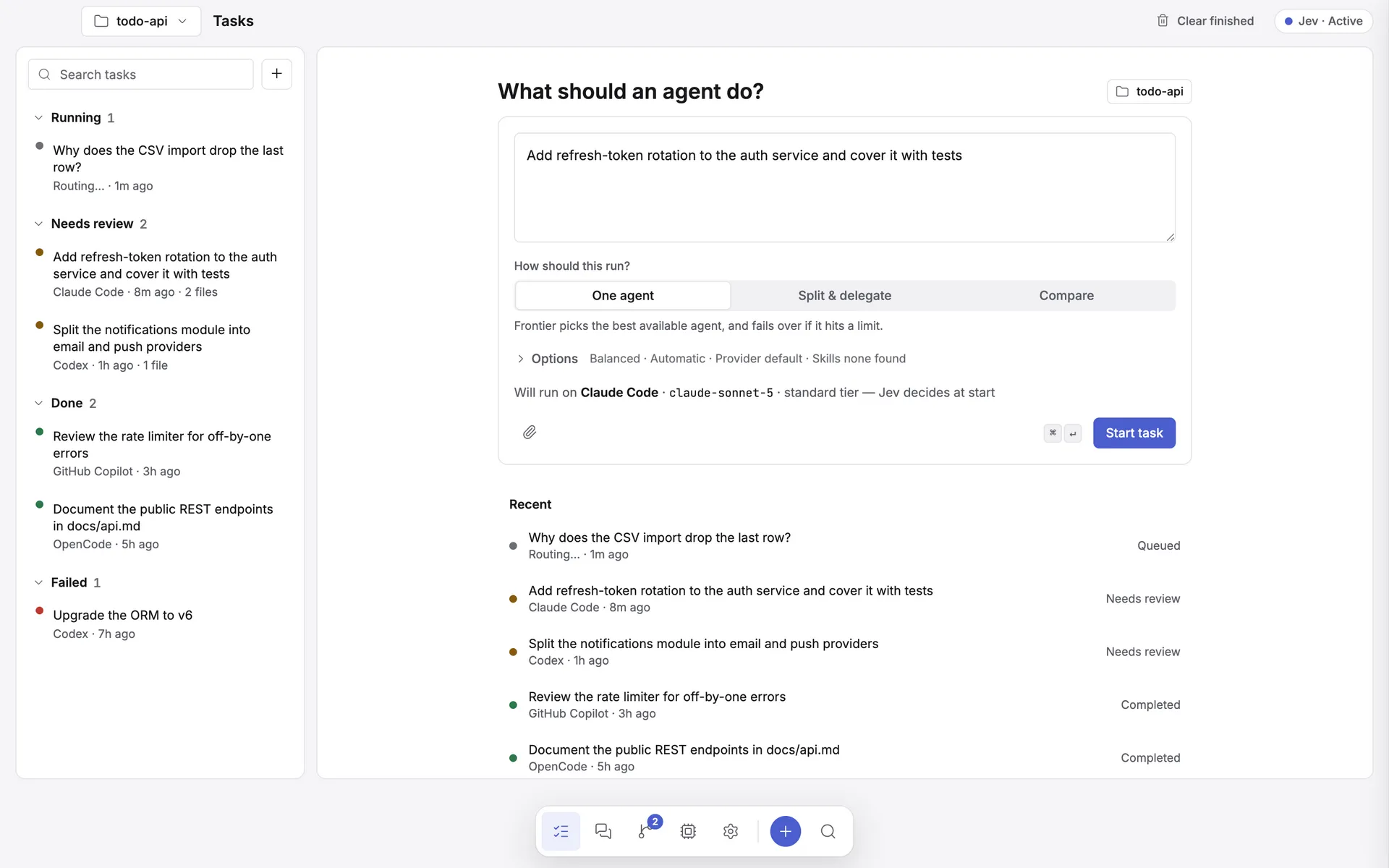
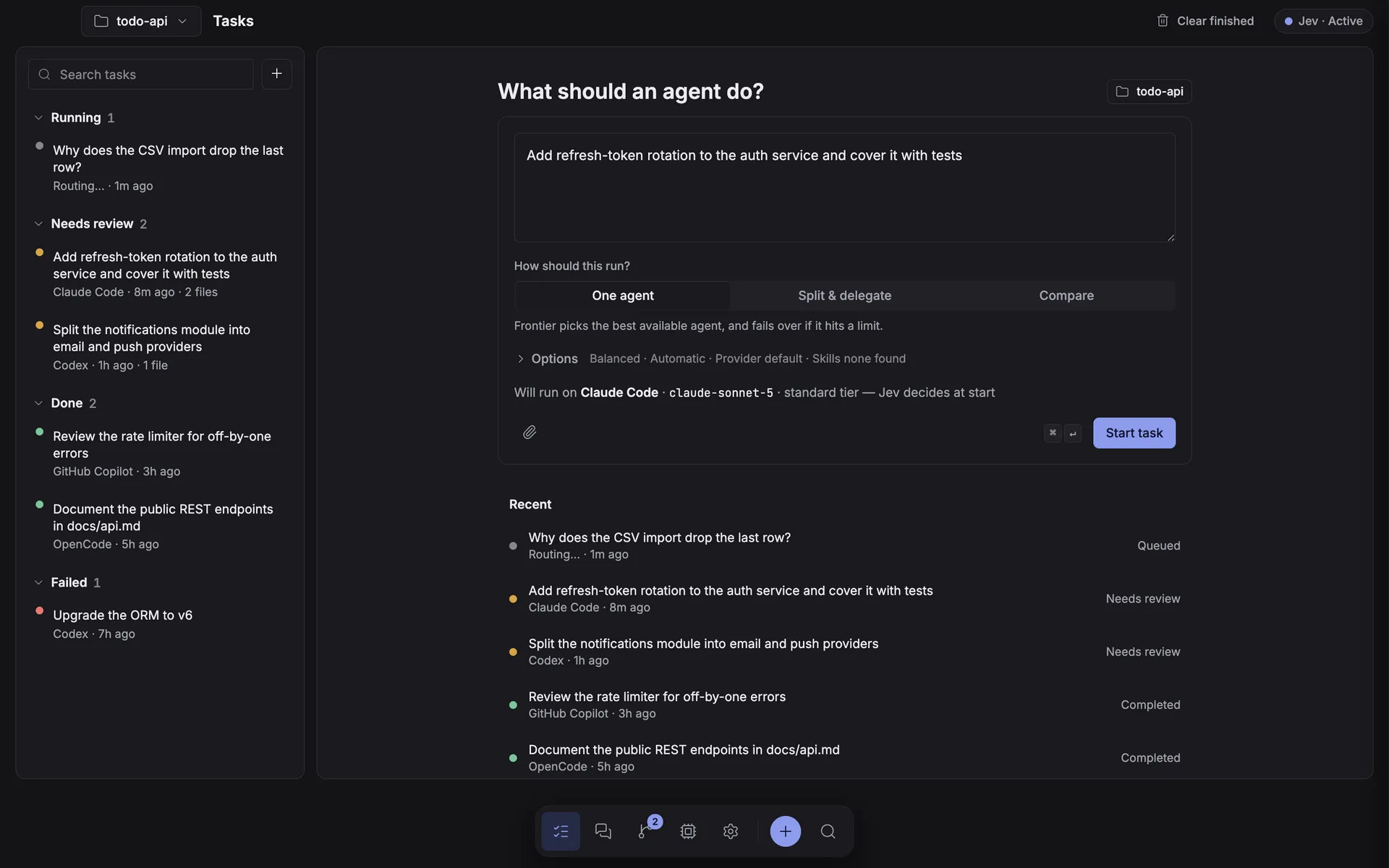
- The project switcher in the header scopes Tasks, Workspaces, and Review to one repository at a time (or "All projects"), and pre-fills the working directory for new tasks. The New task button and ⌘N both open the composer.
- Tasks is the three-pane screen described below: work queue, conversation, route inspector.
- Settings holds General, Appearance, Routing (the Jev advisor: mode, credentials, the exact request payload preview, the model catalog, and the calibration view), Context & Tools, Skills, and Verification. See routing & the Jev advisor.
- Agents lists every configured CLI as a table — login state, models, today's tokens, plan window — and a row opens a side sheet with the full edit form instead of a separate settings page per provider.
Every task is a conversation
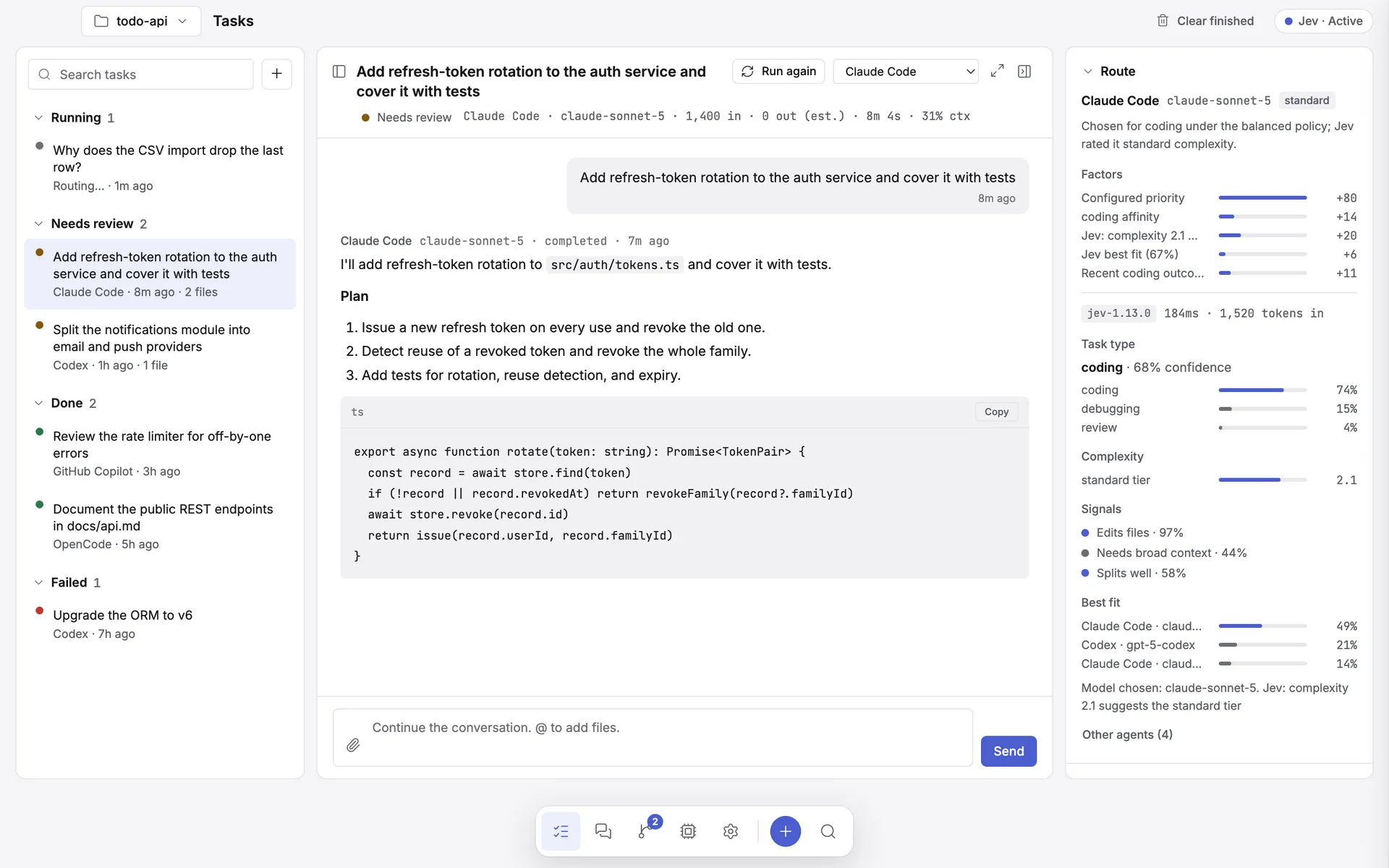
Tasks are multi-turn, not one-shot. The initial prompt seeds a user turn and each run appends an assistant turn. The conversation renders the thread with a reply box at the bottom — press Enter to send a follow-up. When a task is stopped, a Change agent menu in its header picks who answers next.
| Agent | How a follow-up continues |
|---|---|
| Claude Code |
Resumes the real CLI session with --resume <sessionId>. Only your new message is sent;
the CLI keeps the history.
|
| Every other agent | Replays the conversation transcript as context, then the new message. |
When a task is stopped, a Next provider selector appears. Switching clears any provider-private resume session, and the next turn receives the full attributed transcript — including cancelled and partial turns. Without an explicit change, later turns stay pinned to the agent you last selected.
The live work log
Frontier parses each CLI's stream into three things: assistant text, the model actually in use, and activity — tool calls and thinking. The result is a running "how it's working" feed rather than a spinner.
-
Claude is fully parsed: the model badge comes from the
system/initevent, text streams token by token, tool calls and thinking arrive as they happen. - Codex is best-effort: command executions, file changes, MCP tool calls, and reasoning become activity; agent messages become text.
- Copilot and Ollama stream plain text, so the model badge falls back to the provider's configured model.
Files changed
Write, Edit, MultiEdit, and NotebookEdit activity is turned into a de-duplicated list of created and edited paths, shown in its own panel.
Three panes, not a modal
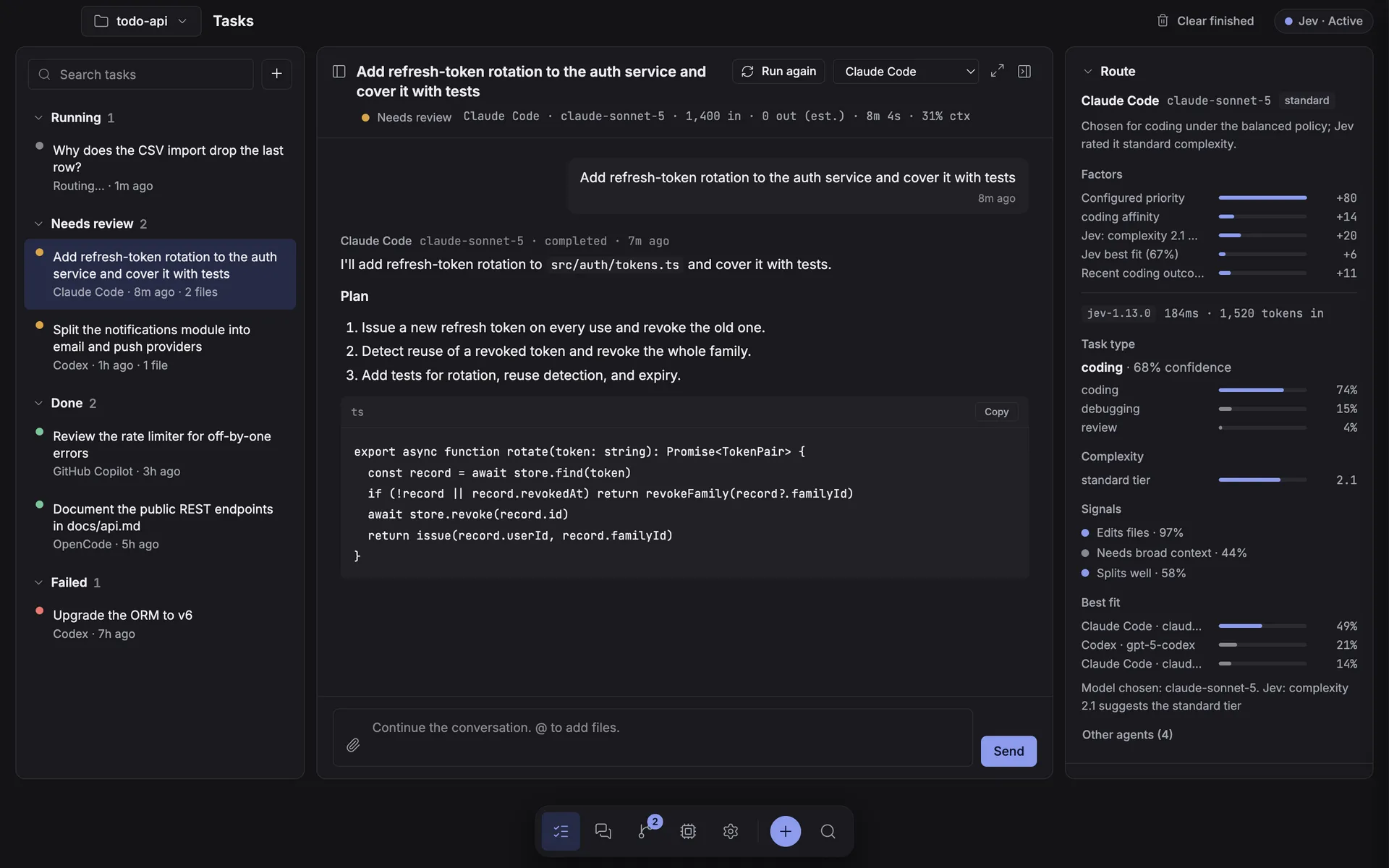
The Tasks screen is one view split into three panes: the work queue on the left (grouped into Running, Needs review, Done, and Failed/cancelled, filterable and scoped to the current project), the conversation in the centre — the primary surface, with the reply box at the bottom, or the composer when nothing is selected — and a collapsible inspector on the right with Route, Files changed, Activity, Context, and Attempts sections: the route receipt, the files an agent touched, and the live activity feed. Selecting a task never leaves the screen or opens a dialog.
Opening a changed file from the inspector's "Files changed" section raises a file-viewer overlay
with syntax-highlighted source and a Git working-tree diff, rather than a separate tab. The file tree comes from
git ls-files --cached --others --exclude-standard when the directory is a repository, so it respects
your project's own .gitignore; folders start collapsed except the branches holding this task's changed
files. File reads are restricted to paths the task actually touched, enforce workspace containment, cap text at
1 MB, and identify binaries rather than dumping them.
Context window
Context occupancy is task-scoped and never inferred from cumulative billing usage.
- Claude reports enough per-request data for a live gauge — current conversation occupancy paired with the active model's real context window.
- Codex exposes no dedicated context field, so its per-turn input and output tokens are used as occupancy and paired with the configured or known window. The UI labels this an estimate.
- Agents that report neither show Not reported rather than a fabricated number.
Usage and plan windows
The Agents table and each agent's sheet show session and plan usage, reset countdowns, tracked tokens, and automatic-fallback state for every provider. What it can show depends entirely on what each CLI reports:
| Agent | What it reports |
|---|---|
| Claude |
Names the window (for example five_hour → 5-hour), its status, and its reset time — and
no utilisation percentage at all. Frontier therefore shows the window and countdown with a
muted bar tracking elapsed time, explicitly labelled as such. It never invents a usage percentage.
|
| Codex | Carries real percentages, window lengths, and reset times on its token-count events. |
| Copilot / Ollama | Stream no JSON, so they legitimately report nothing. |
Frontier memory
A shared memory block, edited in Settings, is prepended as context to every new task's first turn and to the planner prompt — so project knowledge carries across tasks instead of being retyped. Continuations inherit it through the resumed session.
Working comfortably
- A keyboard-first command palette for navigation, common actions, and task lookup (
⌘K/Ctrl+K). - Image attachments by picker, paste, or drag-and-drop.
@references resolved against the task's selected working directory.- A draggable divider between the work queue and the live output, remembered between sessions.
For what each agent is permitted to do inside your project, see security & data.